Saving & Loading
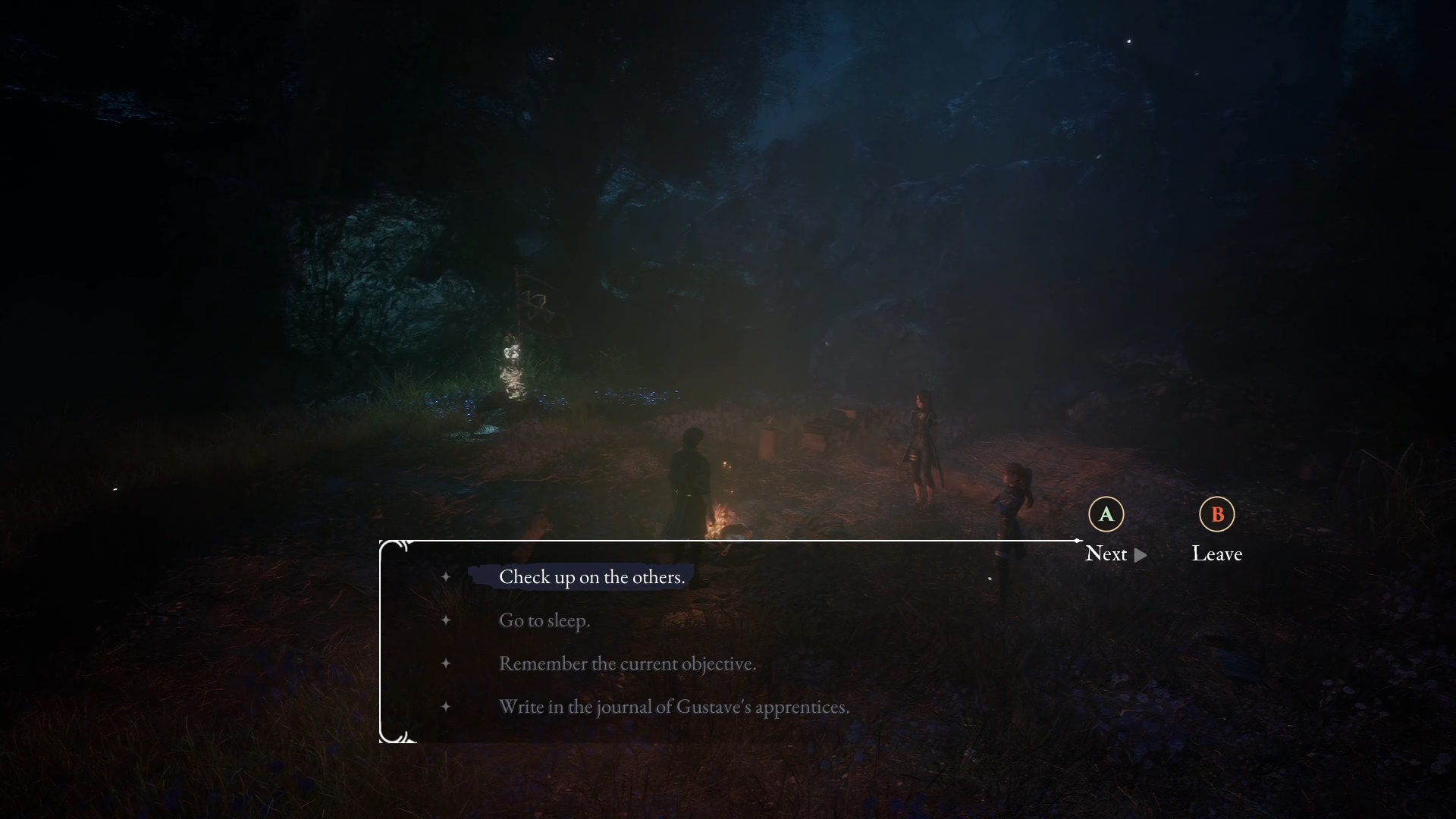
There are no manual saves! The auto-save is fairly generous though, and you can scroll down past the
"Load Previous Saves" menu beyond the most recent 3. It's a bit hard to see, but there is a down arrow there! There are
20 auto-saves total, starting from your most recent save.
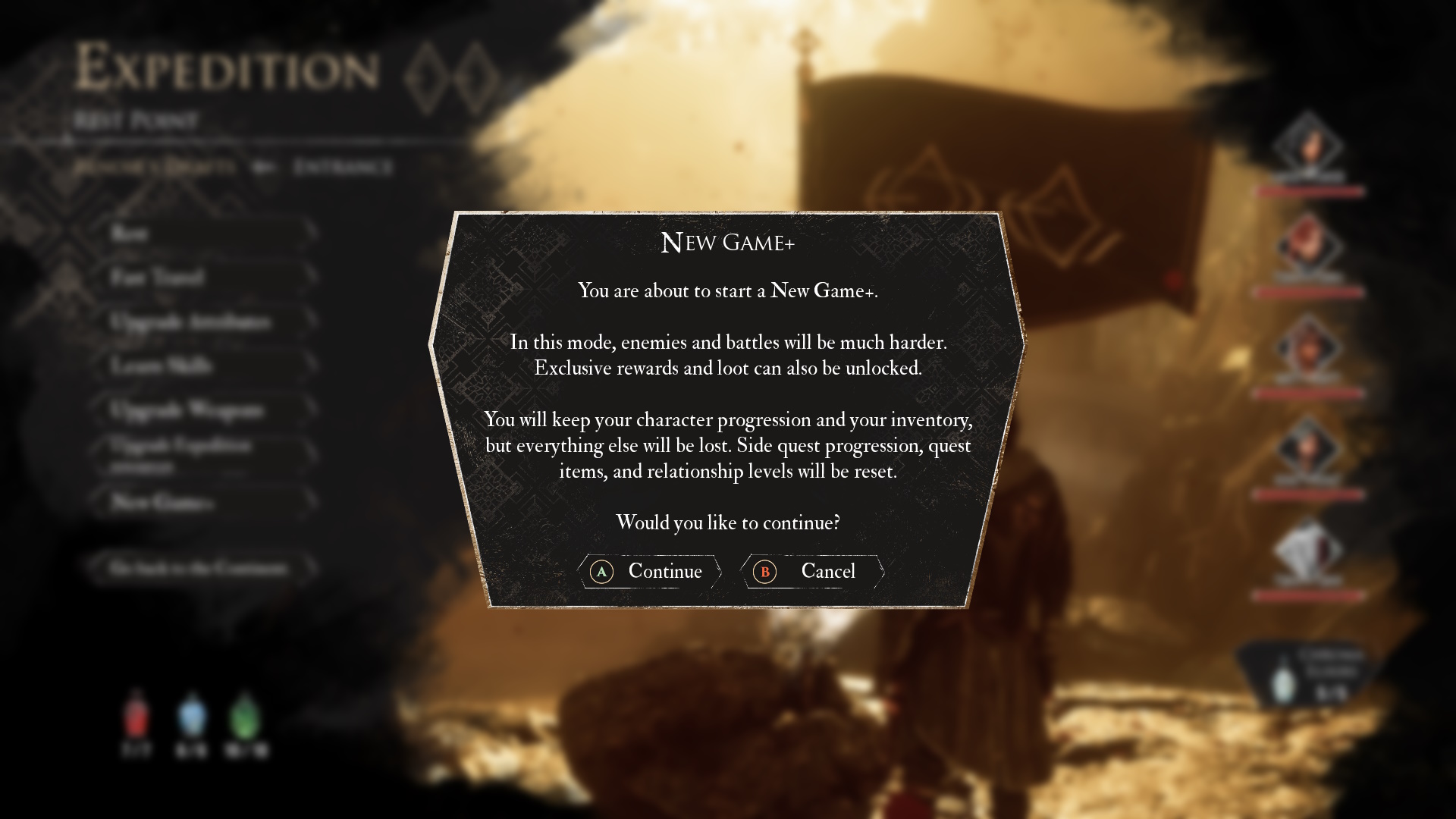
If you start a
New Game, you can choose a save slot to store it in. There are
10 of these in total, if you feel like starting a
New Game without blowing away your current one.
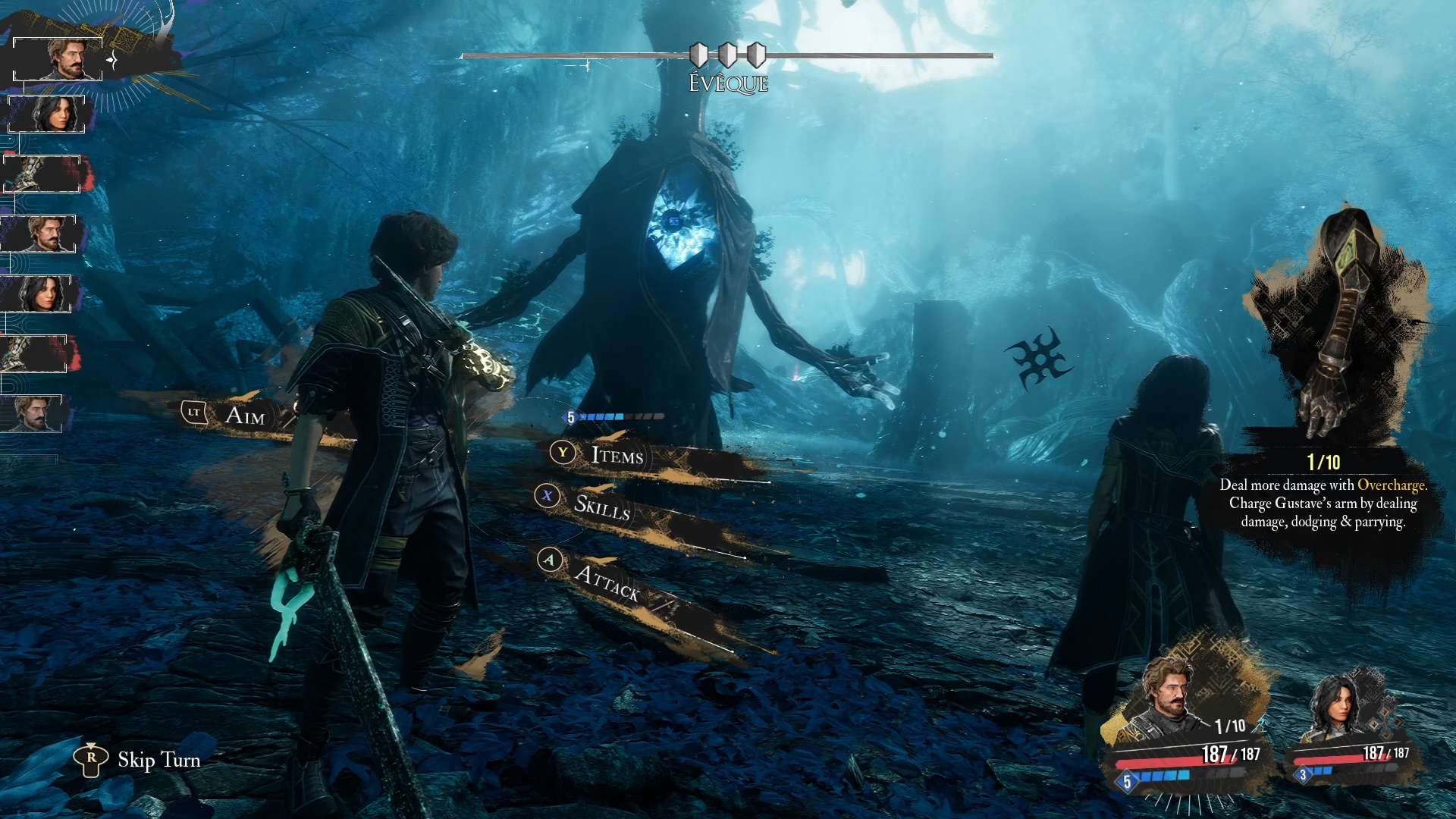
If a fight isn't going to plan, or you just want to practice
Dodges &
Parries, you can
open the Pause Menu during combat and just reload your last save quite quickly.
Triggering Auto-Save Anywhere
In order to
trigger an auto-save anywhere, go into your menu, swap a weapon or select the same outfit/hairstyle, then close the menu to force the game to auto-save. This way, you can "checkpoint" yourself directly before a tough fight and retry directly from the menu without having to look around for the auto-save triggers.
Making a backup of your Saves (Windows)
Hit the Windows key and type in
%LOCALAPPDATA% for a shortcut, otherwise navigate to this location here manually:
C:\Users\[YourUsernameHere]\AppData\Local\Sandfall\SavedMake a simple Zip file of that entire
Saved directory, and that counts as your backup. Replace it whenever you like to
Restore Your Saved Games!
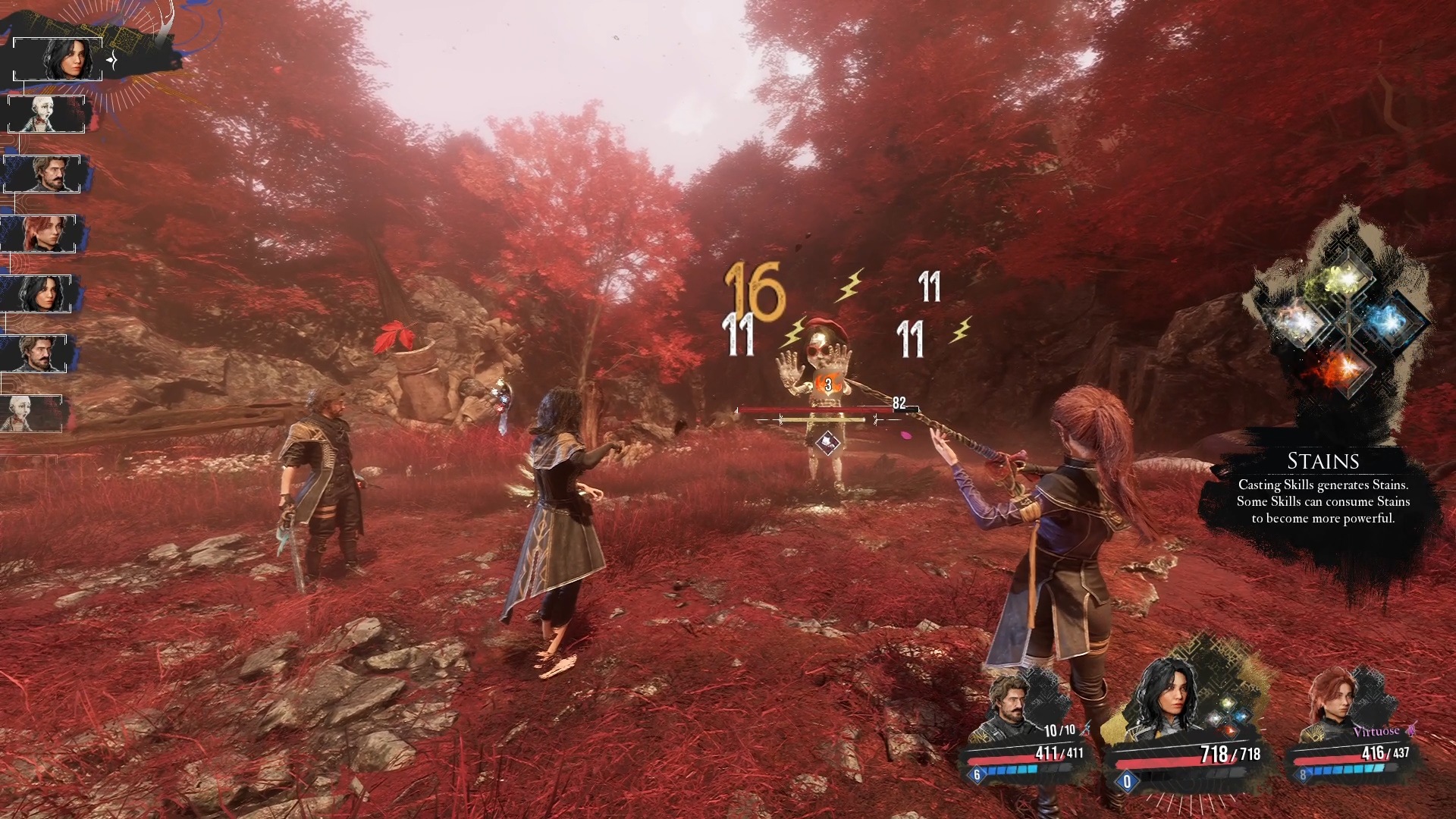
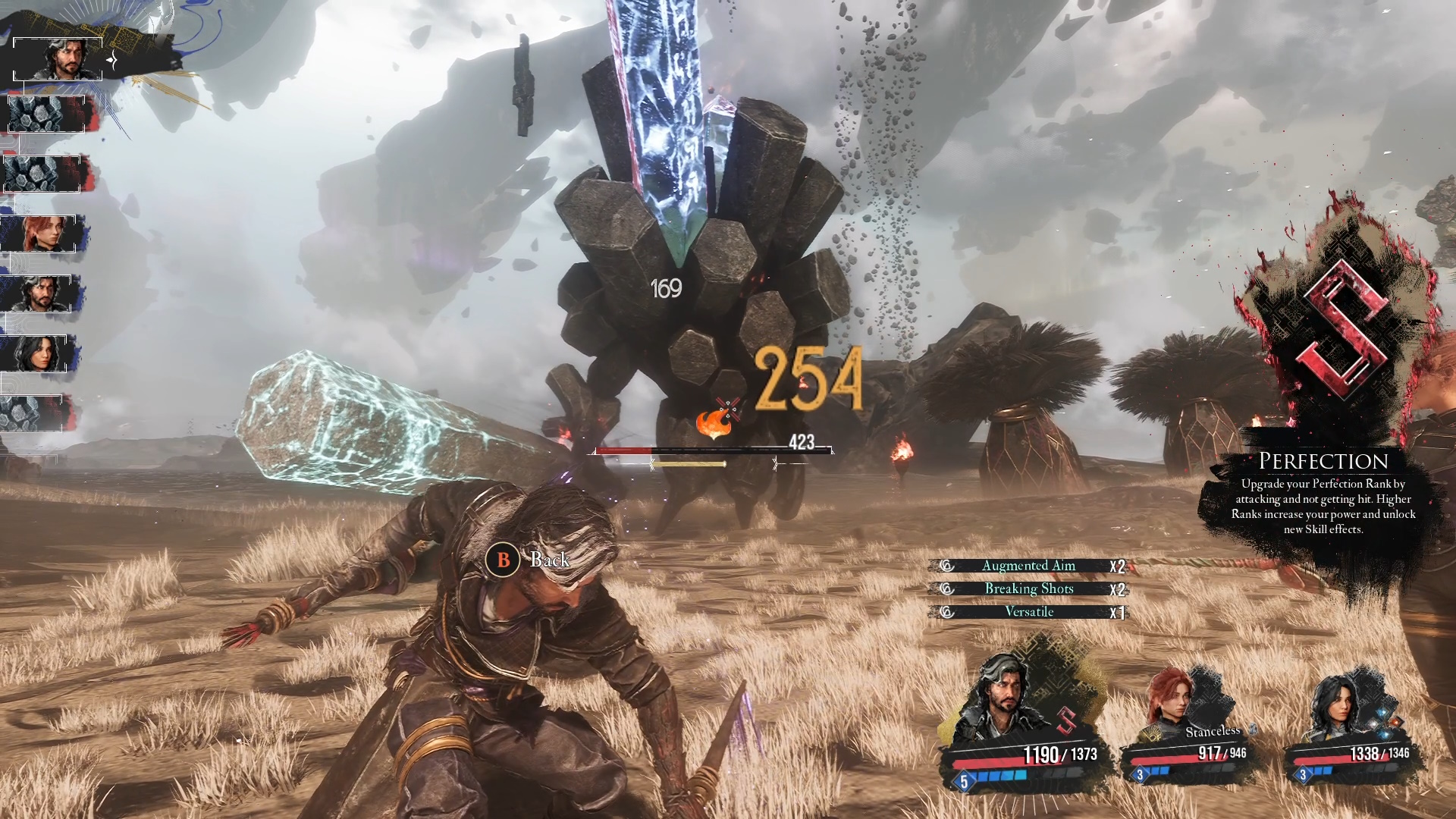
Dodge & Parry
Same with the save/load tip above, any time you enter a new area/encounter new enemies, save right before to take the
opportunity to learn their attack patterns. If you've got a decent setup, the loads should be fairly quick and let you practice to your heart's content.
If a
Dodge says
"Perfect" instead of
"Dodge", then the timing is identical to that of pulling off a
Parry. So, if you've practiced
Dodging a set of moves that now show up as
"Perfect", then that means you're good enough to
Parry them all now instead!
Additional Avoidance Assistance (Accessibility)
If you have
Camera Movement Enabled under
Accessibility (by default it is on), then when the camera zooms in at the last minute is also a significant part of the timing for a
Dodge/
Parry.
If you're having trouble with those, I found that
Disabling Camera Movement also made some attacks a little clearer - due to the lack of camera movement, making the wind-up a little easier to read.
For some (not all!) enemies, there is a
sound cue before their attack is about to land. Technically speaking, if you wanted another
Accessibility option, you could turn down the
Music from 100% to 50% (or even 0%) in order to hear these cues better.
The caveats are that the sound itself isn’t always the same, and the
Dodge/
Parry timing is relative to the cue, but not necessarily consistent between enemies.
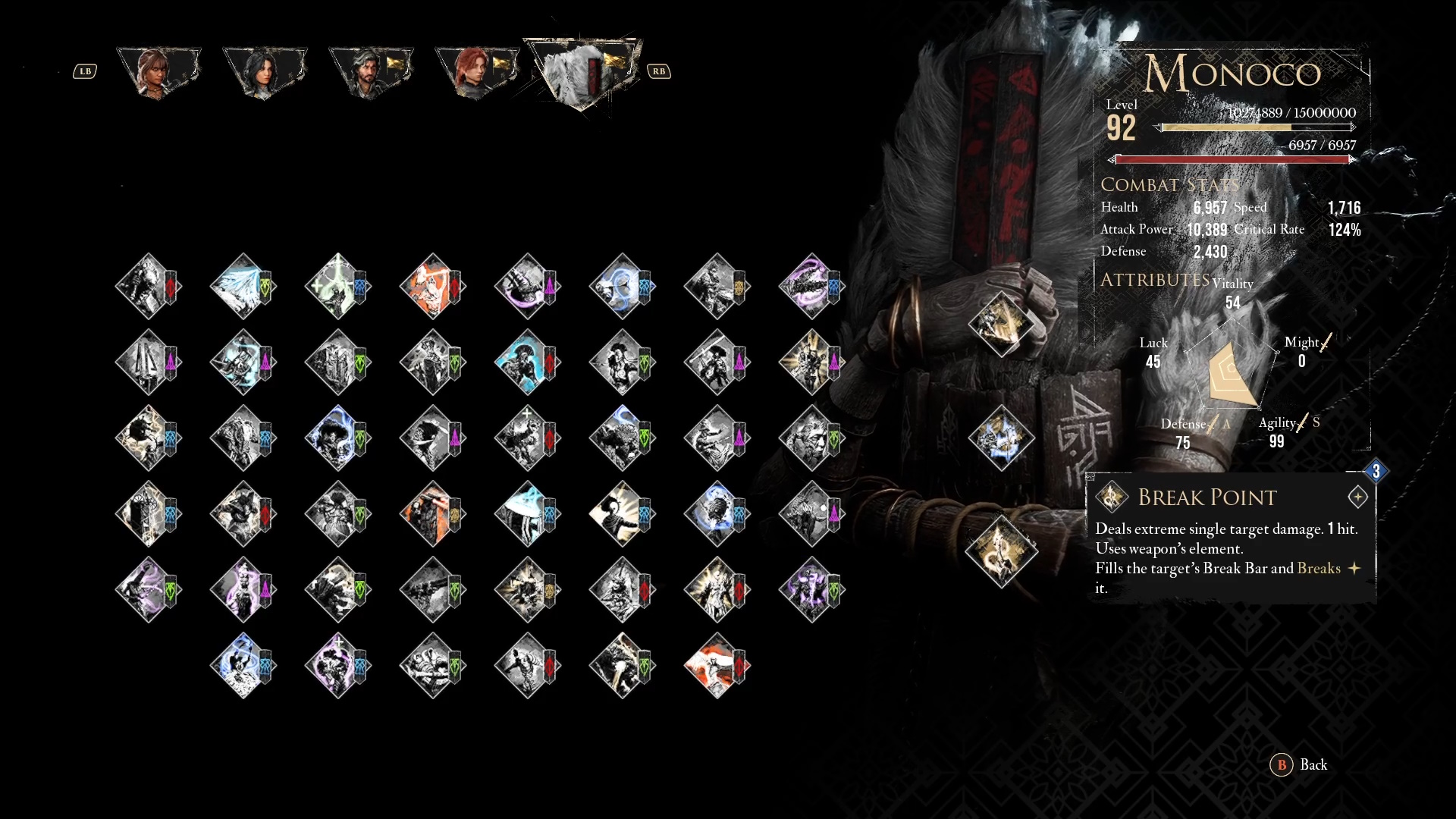
Attributes & Leveling Up Your Stats
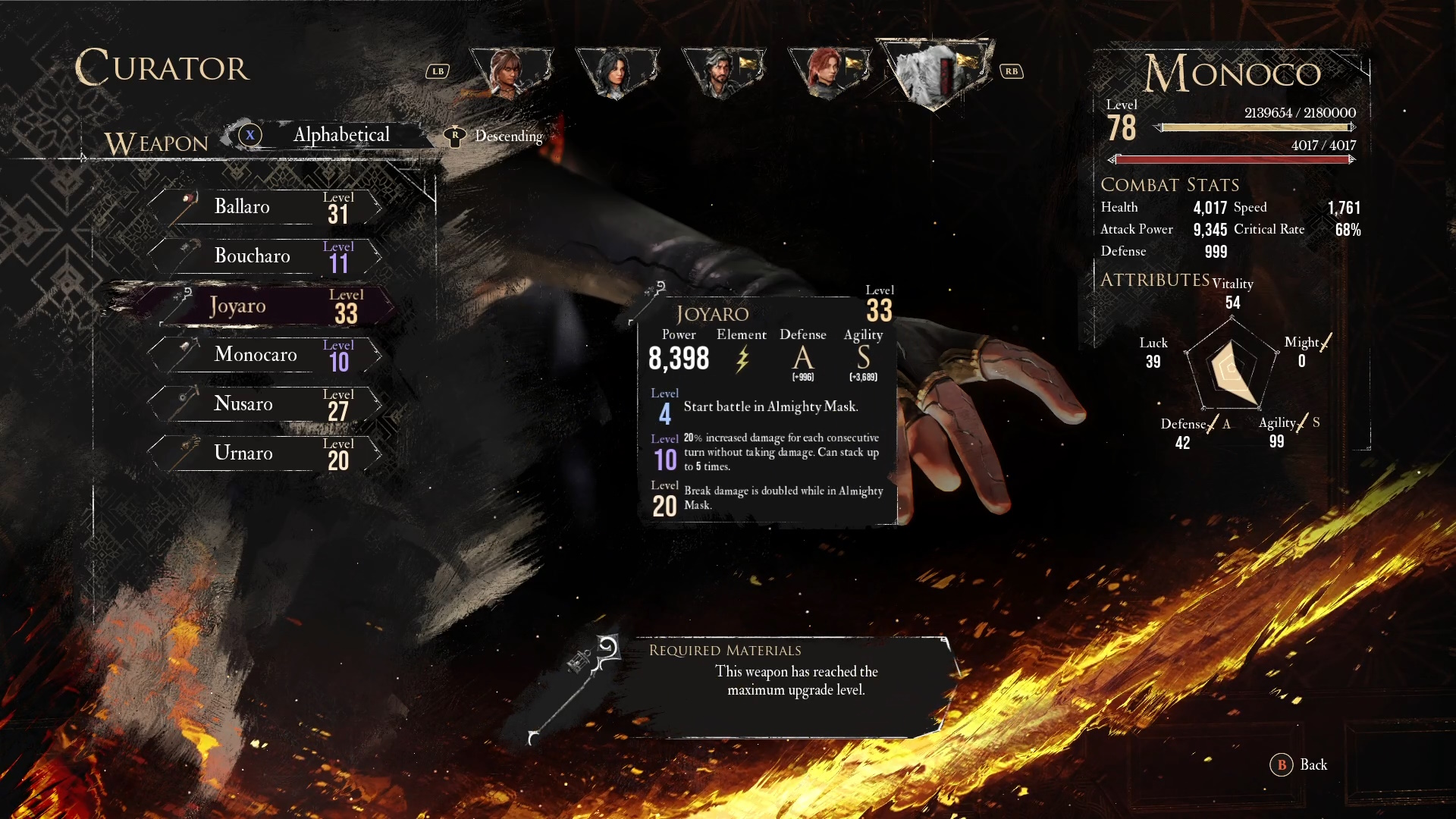
The 5 Attributes you can level up are:
- Vitality - Primarily correlates with Health which "Increases the character's health pool."
- Might - Primarily correlates with Attack Power, which "Increases all damage dealt."
- Agility - Primarily correlates with Speed, which "Makes the character play more often."
- Defense - Primarily correlates with Defense, which "Reduces incoming damage."
- Luck - Primarily correlates with Critical Rate, which "Increases the chances of dealing critical hits. Critical hits deal 50% more damage."
While it may seem like
Might is the best option, you can actually fairly safely ignore it, even though it does boost your damage, quite slightly (we're talking 10-20% or so)
All healing from skills and items is *percentage* based, so
Vitality &
Defense dramatically boosts your survivability, as well as allows you to safely learn all the enemies' timing for
Parries &
Dodges.
The different being a 10% damage boost OR taking 50% less damage is hard to pass up during your first experience. Later it it may make more sense to go all out, but for now your damage will not suffer greatly as a result.
Agility influences
Speed, which is great for the Action Economy (more turns than the enemy -> more damage overall, and sooner) With enough Speed, you can even double up on turns before the enemy has a chance to move once!
Many skills have additional triggers from critical hits, so that is also a completely valid option, and
Luck also boosts some of the other stats as well. Later on it's possible through some combinations to reach 75-100%
Critical Rate, so eventually it could be dumped for another
Attribute altogether.
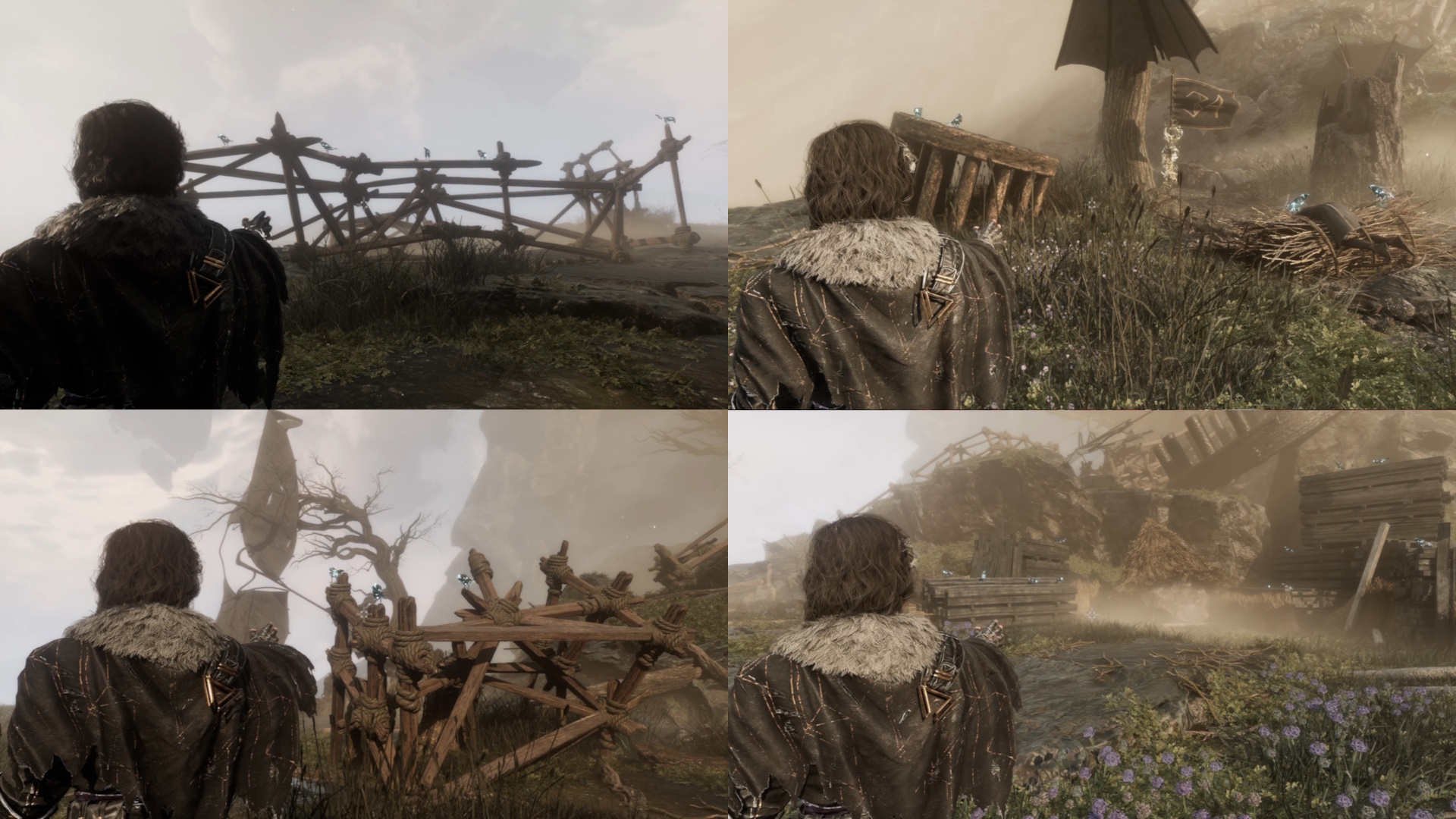
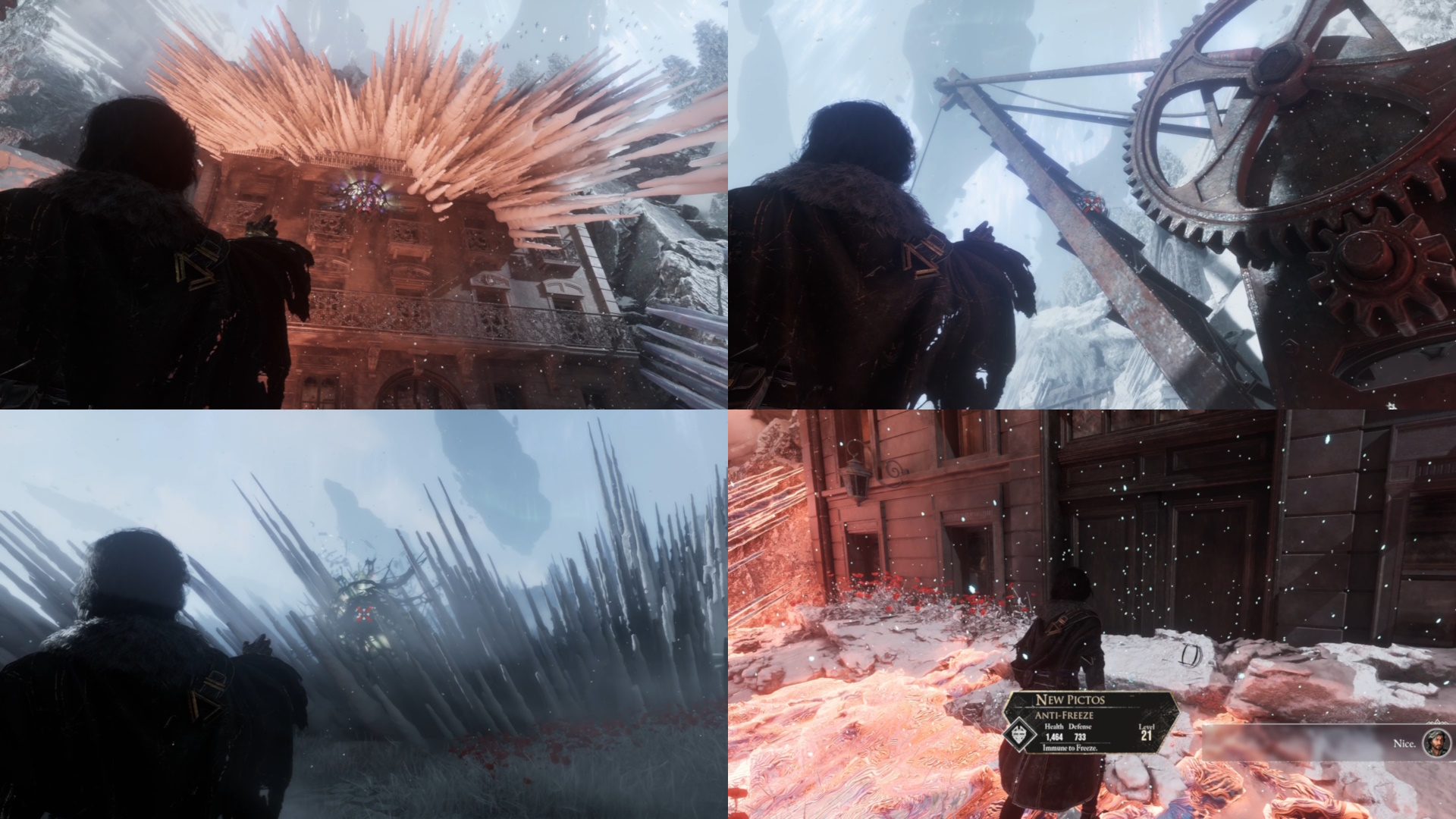
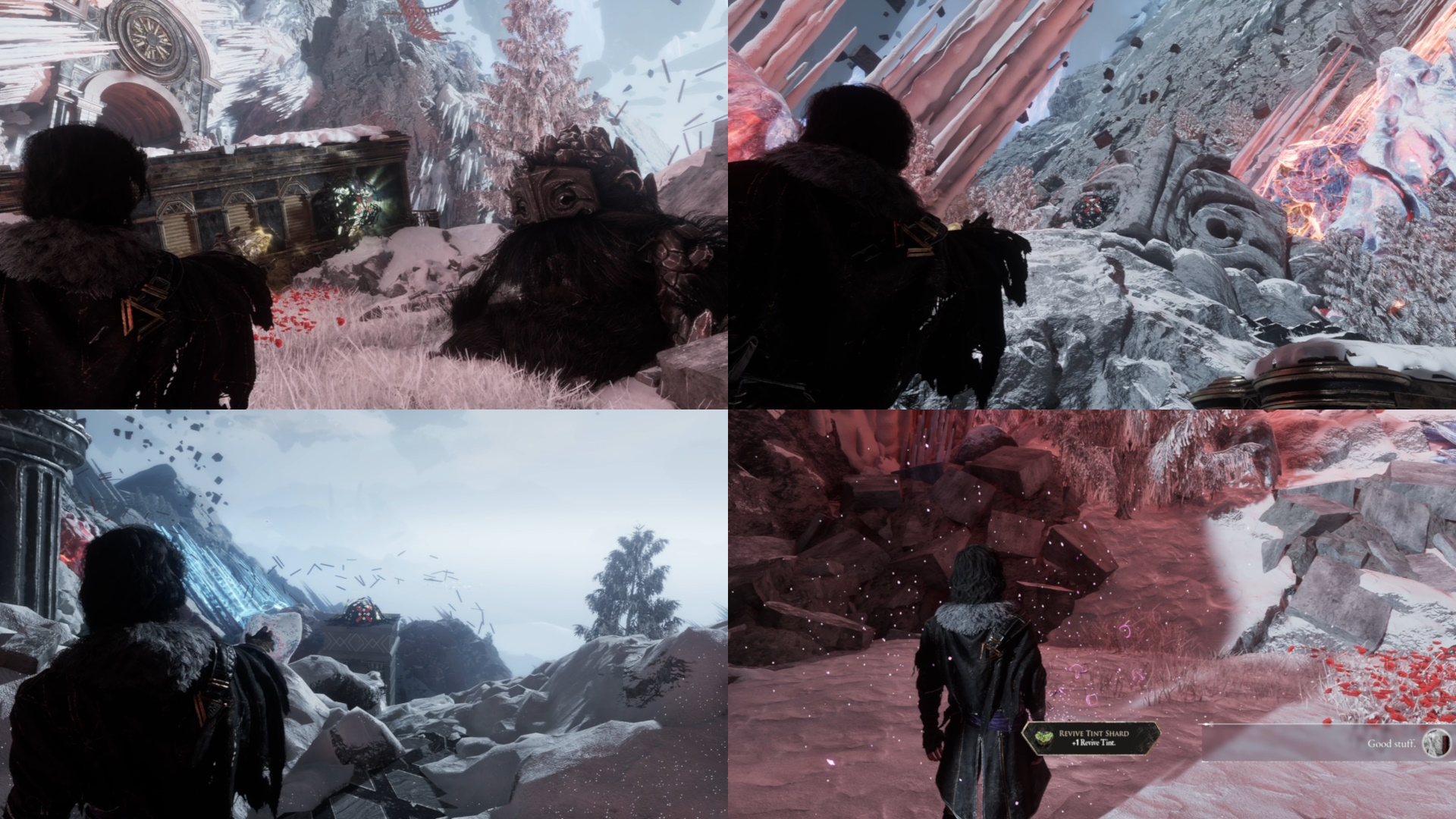
Zones & Dungeons
Your Compass
Getting lost without a mini-map? Hit
Y (or
Triangle) on your controller, or
Y on your keyboard to show a
Compass in the middle left of your screen. Extremely useful to get your bearings, especially for some of the more maze-like areas.
 Included as an image for emphasis!For any text directions given in this guide
, it will make use of those
Compass directions, so please check it out and remember that it's an incredibly valuable tool in your kit!
Locating Grapple Points (Accessibility)
If you have a
controller with vibration enabled, then it will vibrate if there are any
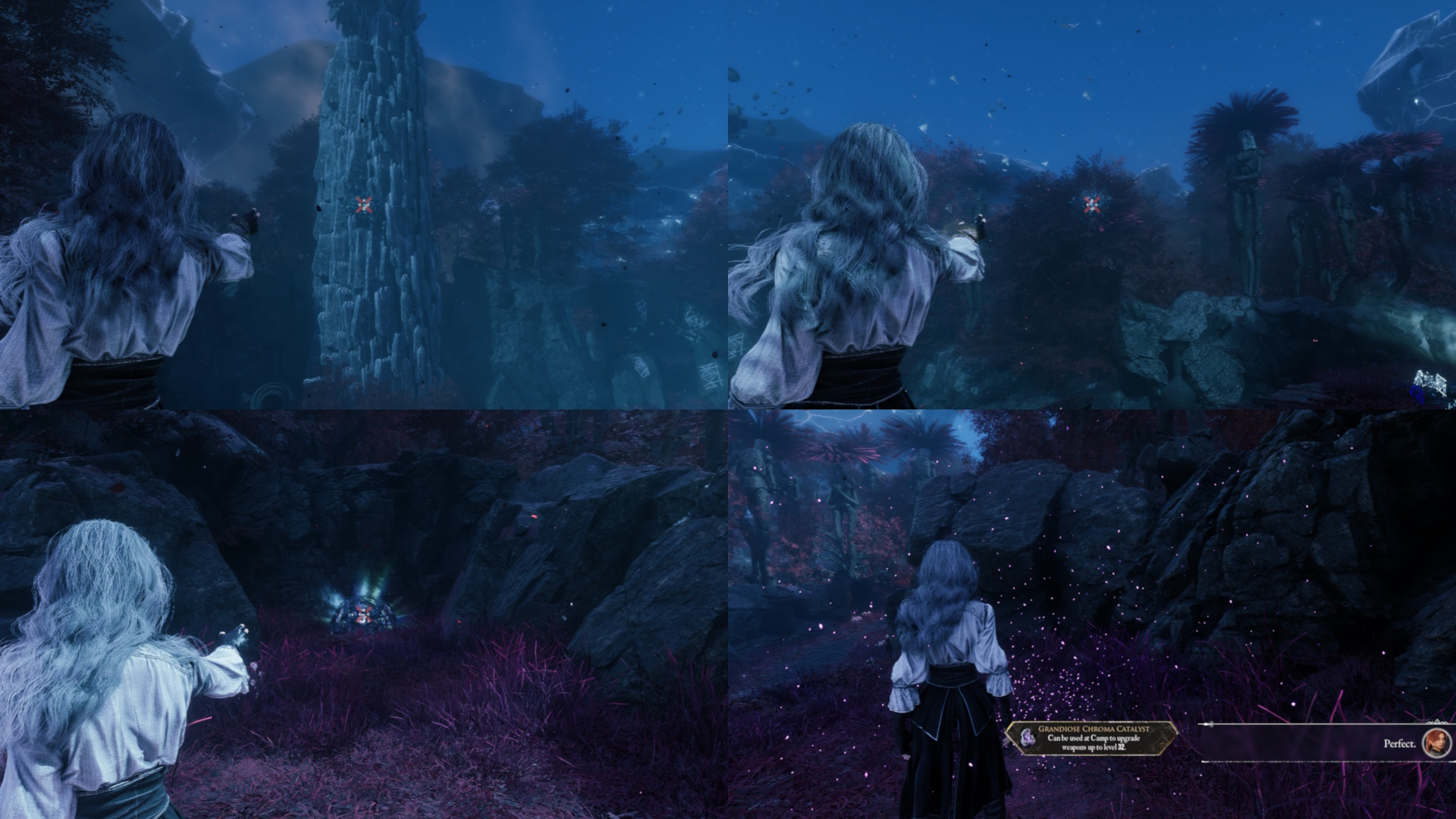
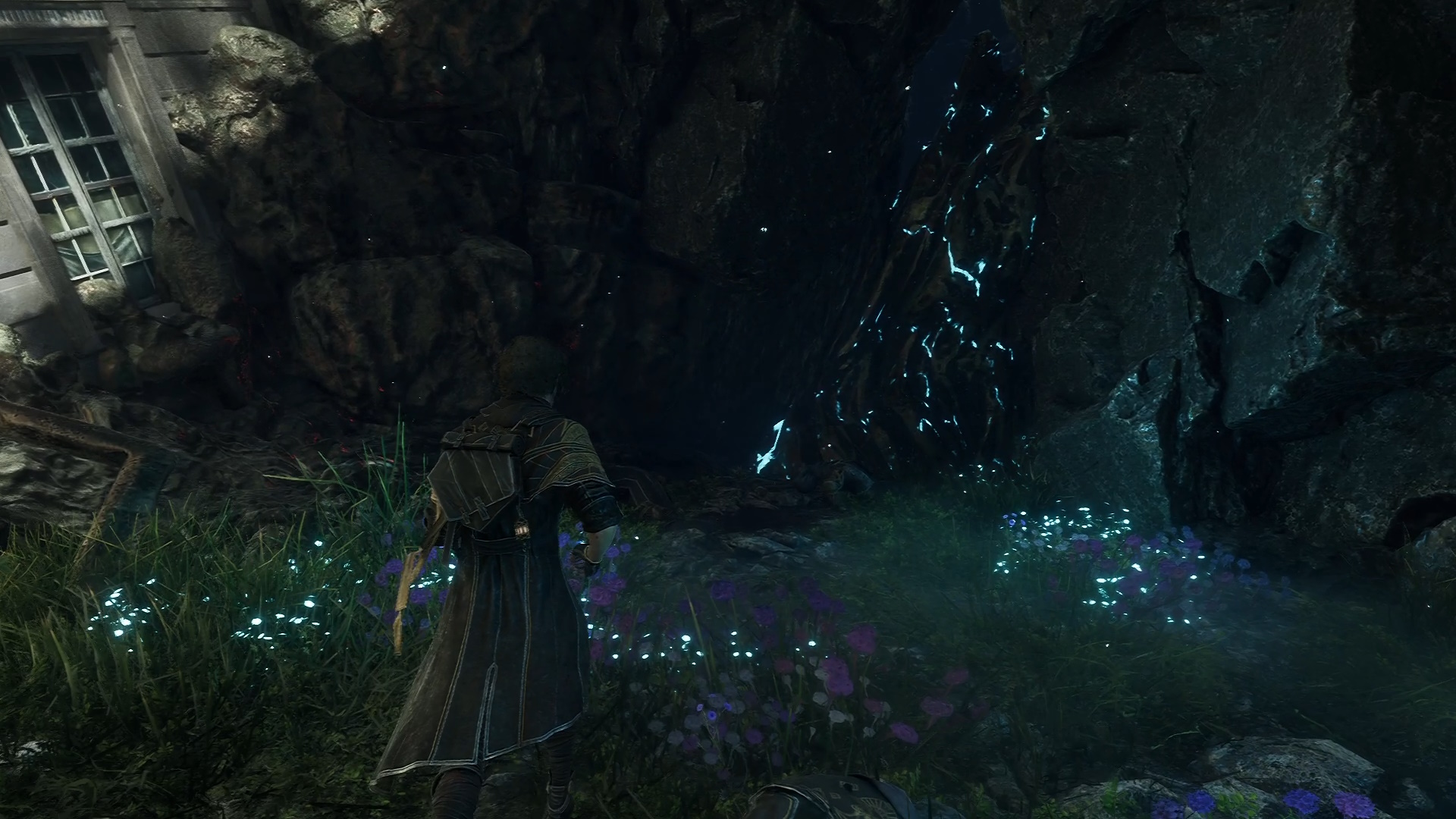
Grapple Points nearby for you to use. If you're playing with it disabled, or you are on mouse & keyboard, then you'll miss out on this feature (and potentially the harder to spot Grapple Points)
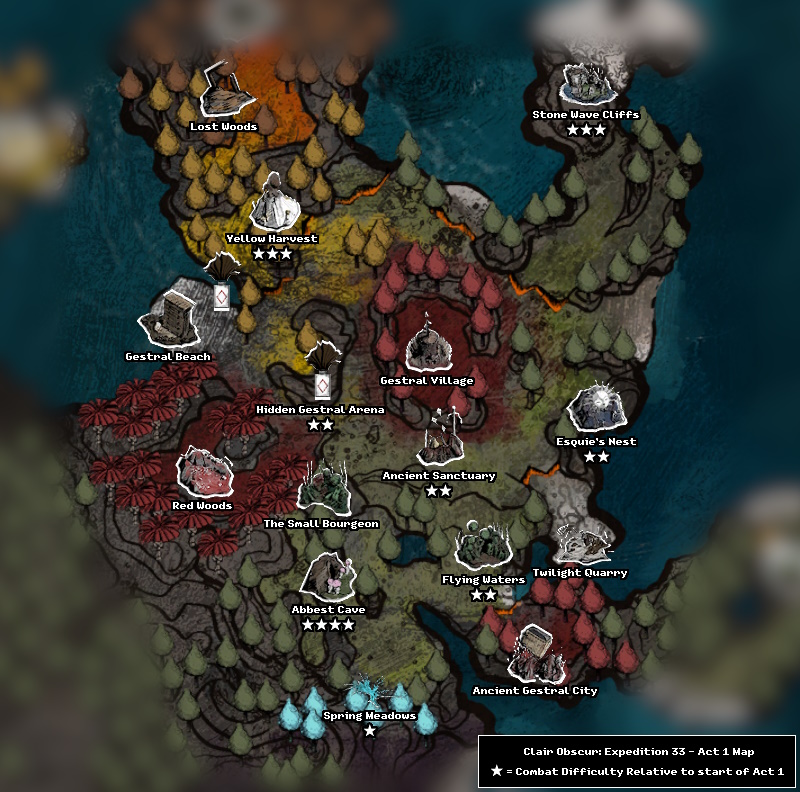
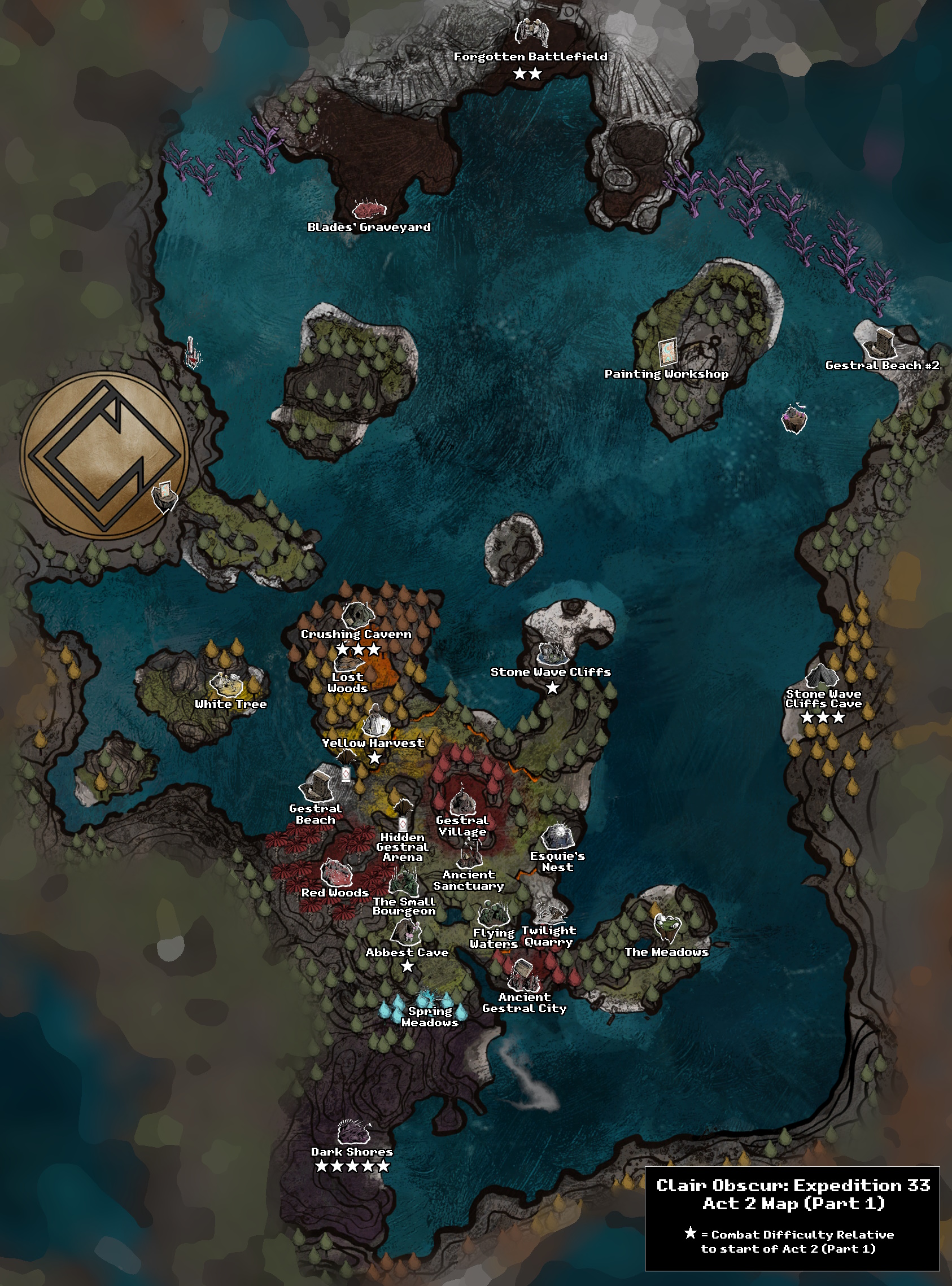
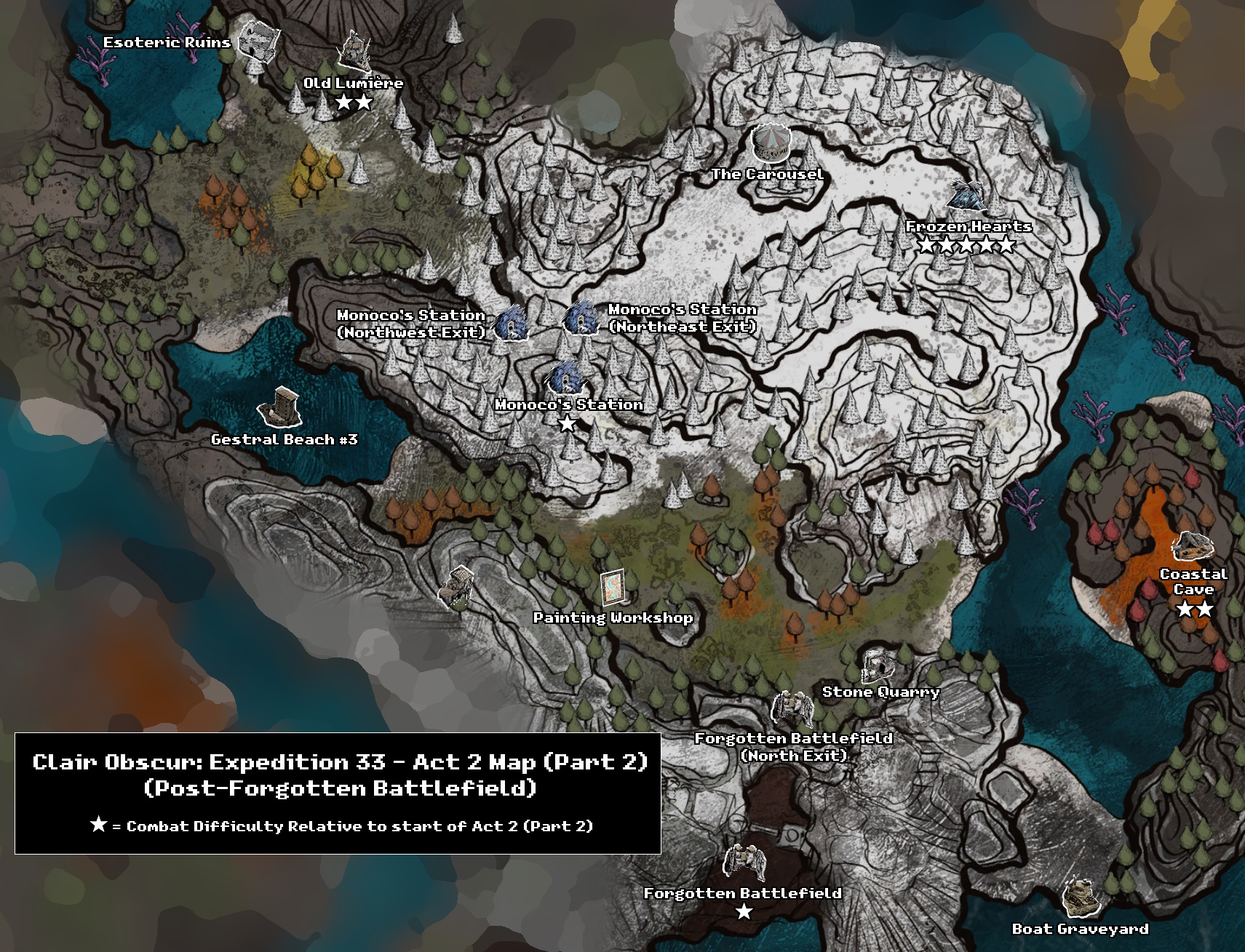
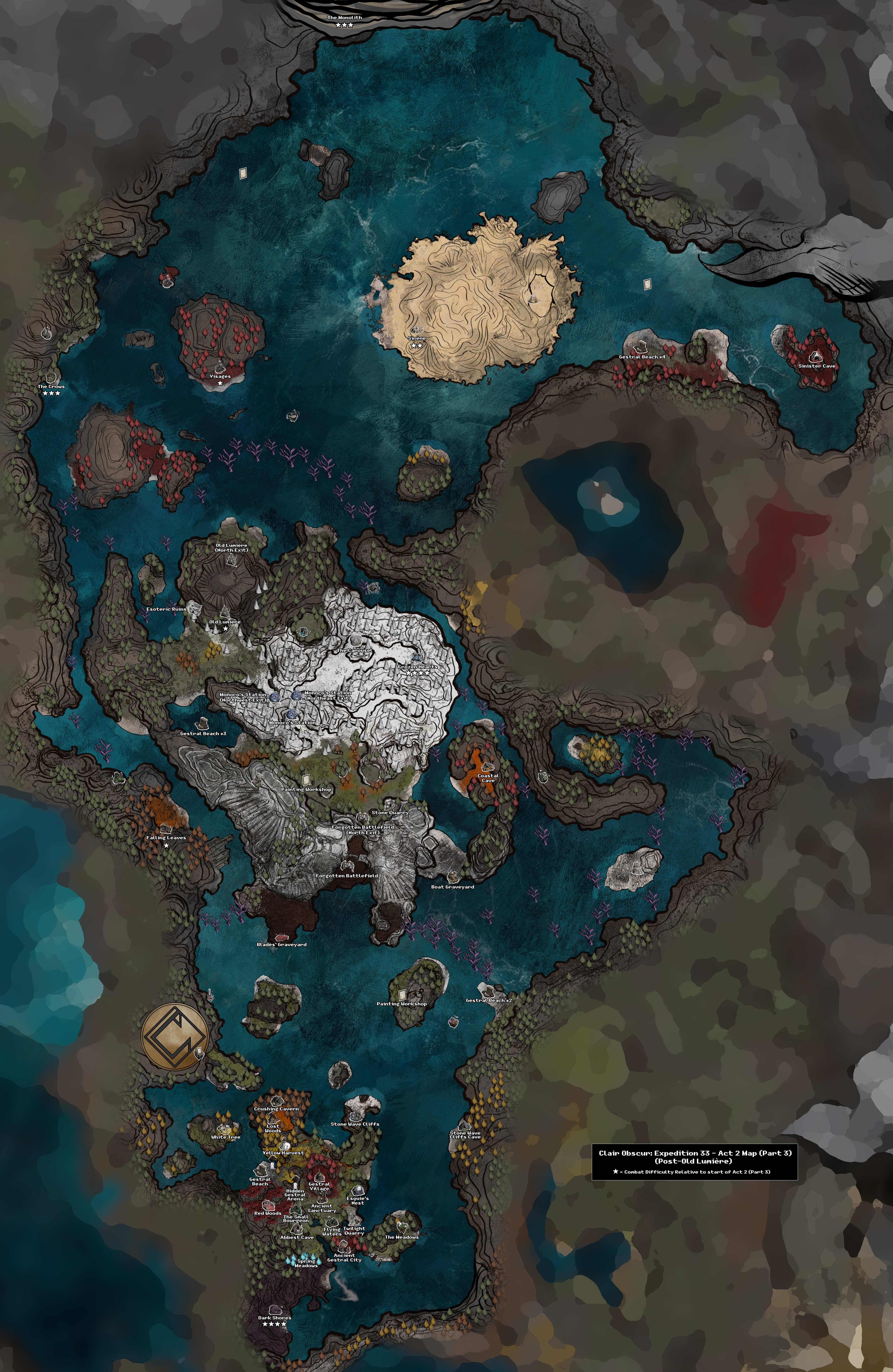
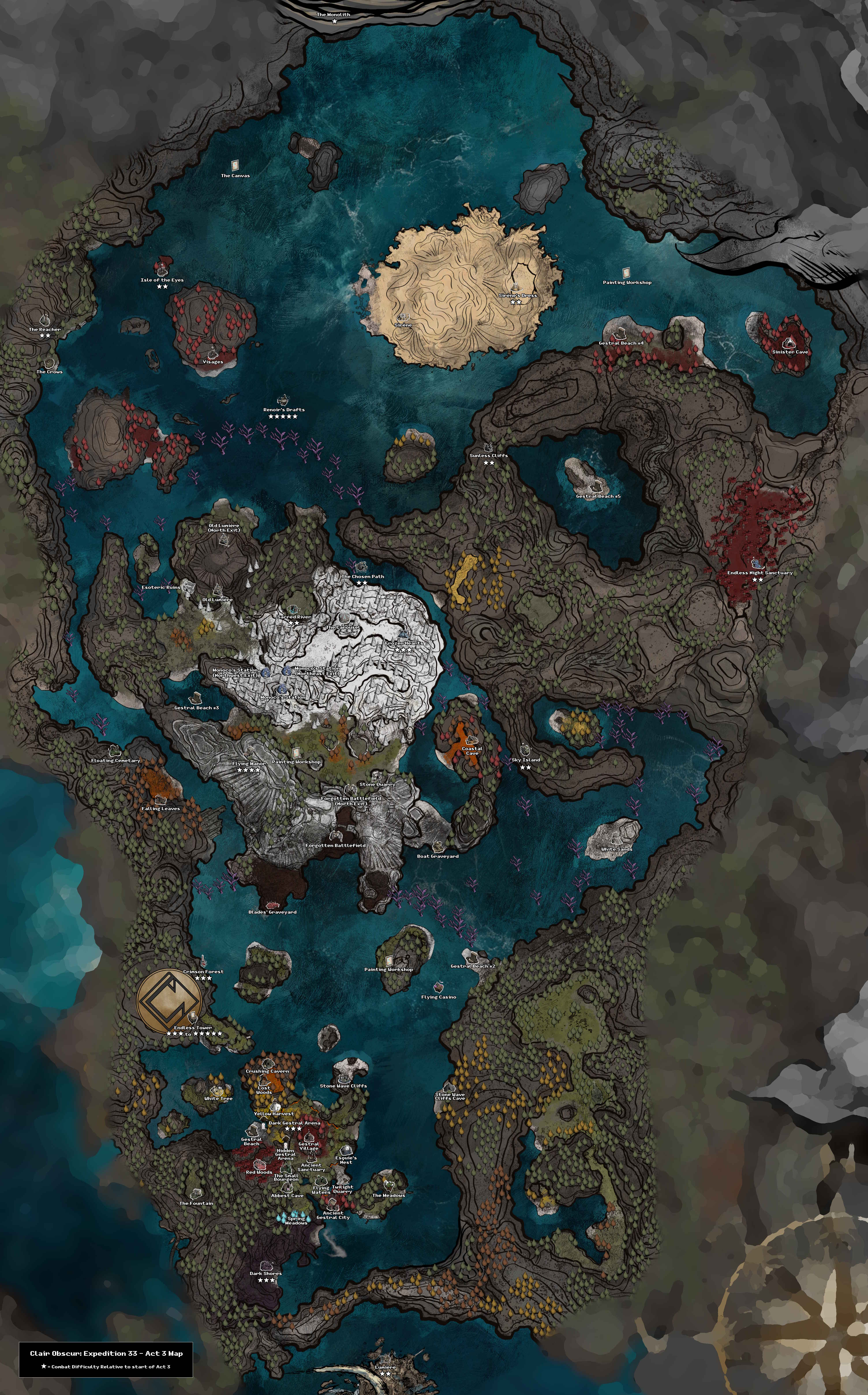
Overworld/World Map
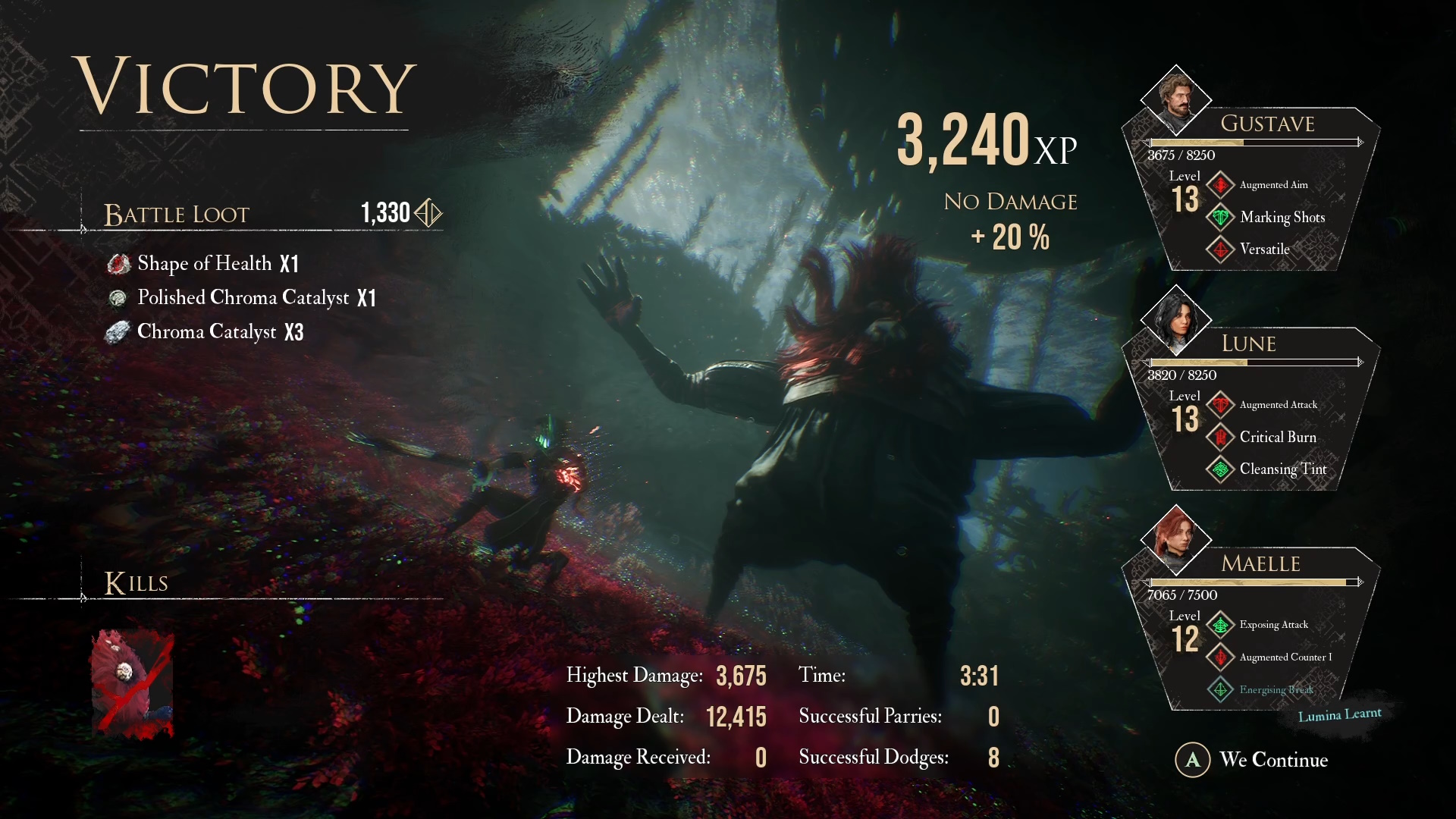
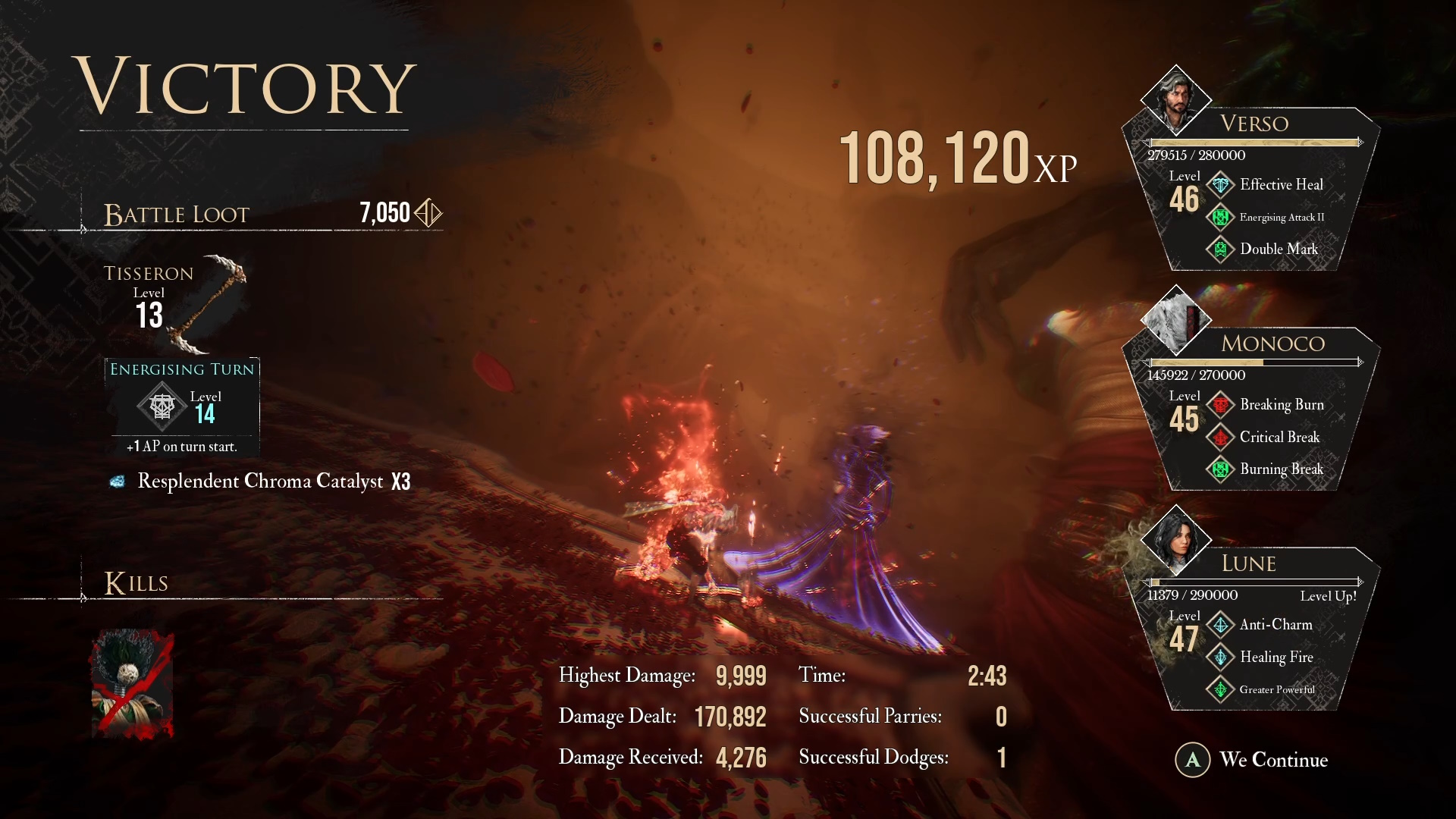
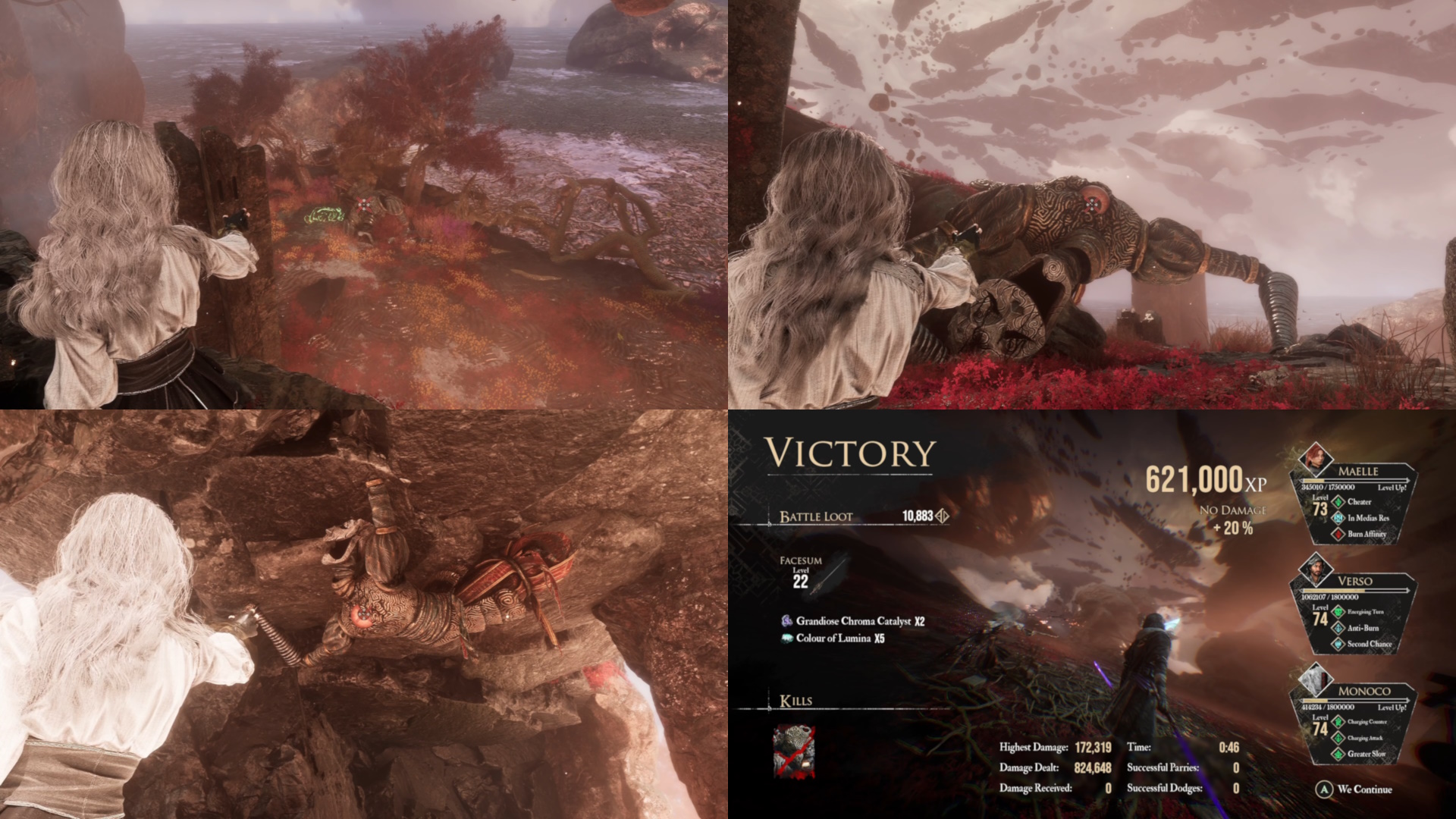
Always try to fight enemy groups on the Overworld/World Map at least once, as they tend to drop
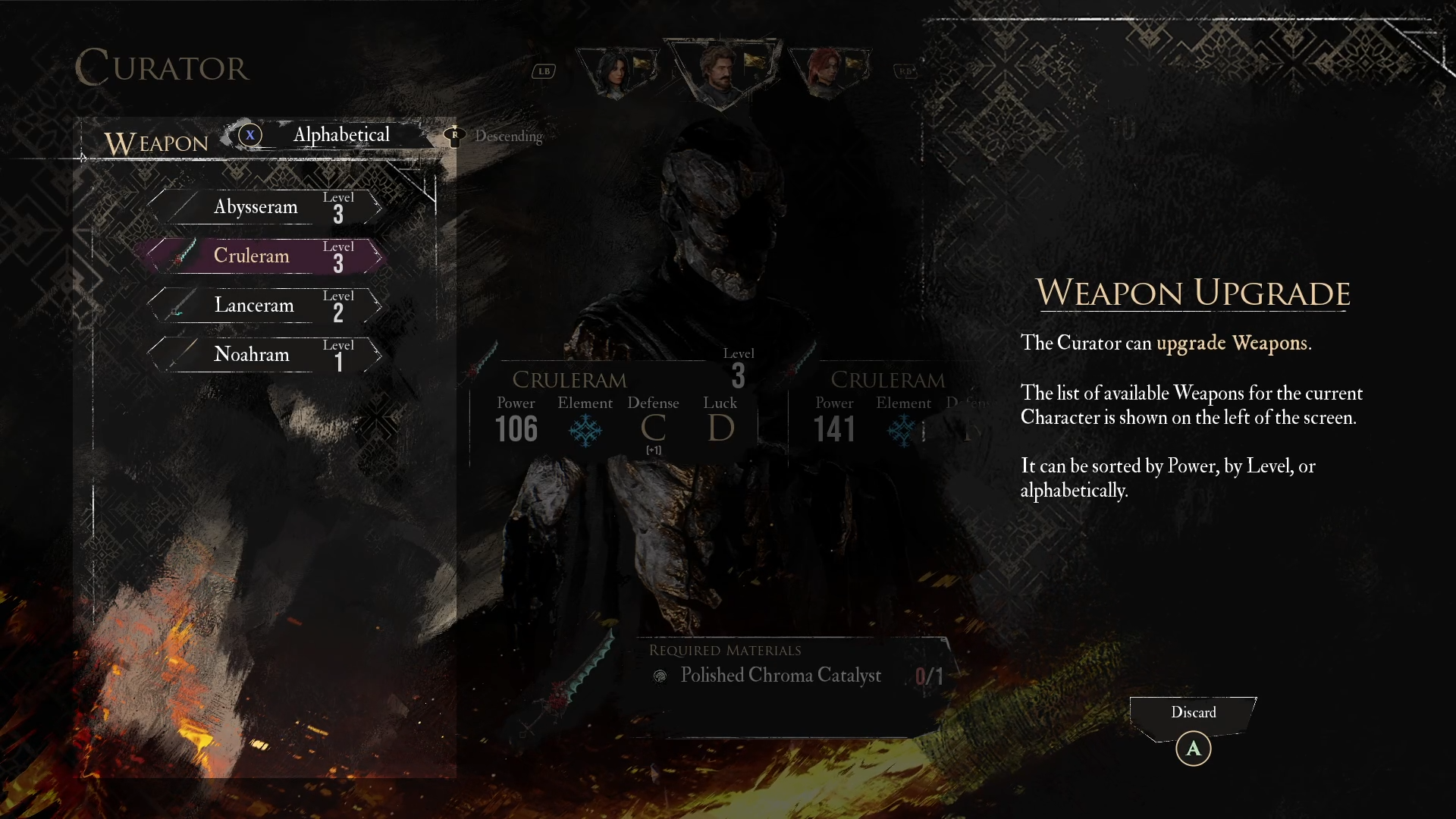
New and/or Upgraded Weapons & Pictos for your party. These
item drops can only happen once, but you can still fight them multiple times if you like (after resting)